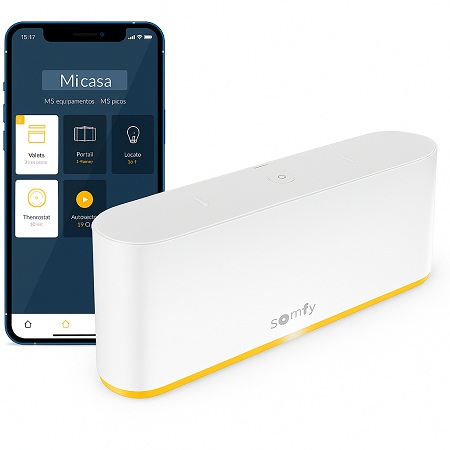
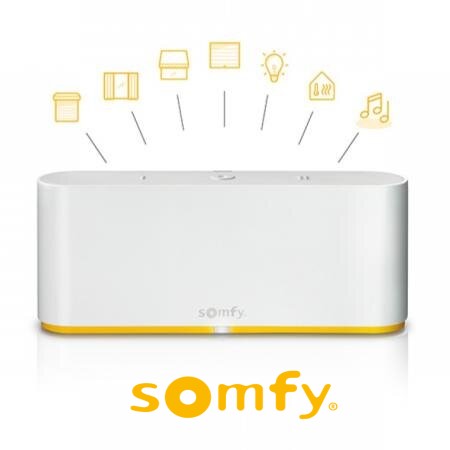
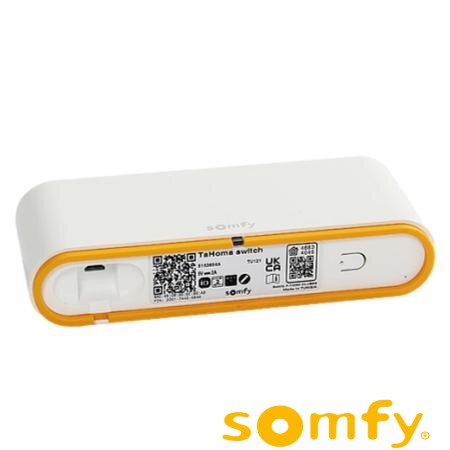
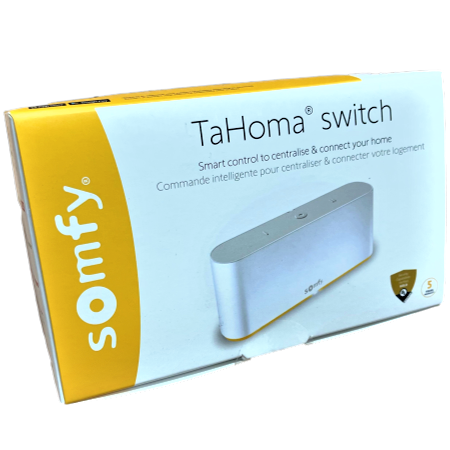
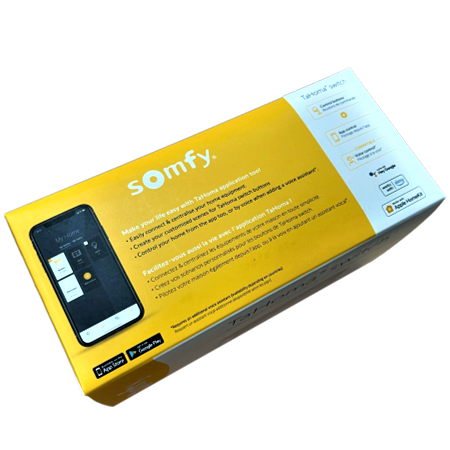
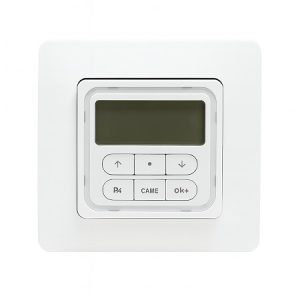
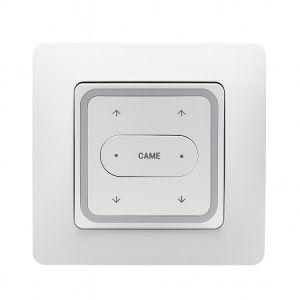
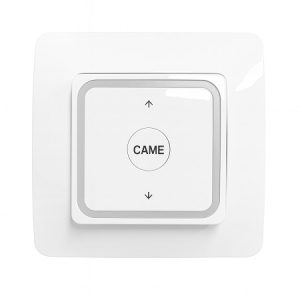
The Somfy Tahoma Switch is a revolutionary device for home automation control. This innovative hub allows for easy management of blinds, doors, and security systems, offering a smart and efficient solution for modern homes.
Main features
The Somfy Tahoma Switch offers various features designed to improve the comfort and security of your home:
Remote control: Manage your devices from anywhere via the mobile app.
Scene automation: Create and schedule custom scenes for different times of the day.
Voice assistant integration: Compatible with Alexa, Google Assistant, and Apple HomeKit.
Real-time notifications: Receive alerts about the status of your devices and any unusual activity.
Benefits of use
Using the Somfy Tahoma Switch offers numerous benefits that improve your quality of life:
Convenience: Control your home devices from your smartphone or tablet.
Energy efficiency: Program your blinds and lights to reduce energy consumption.
Security: Monitor and control your home security systems remotely.
Flexibility: Customize the operation of your devices according to your needs and routines.
Features of the Somfy Tahoma Switch
The Somfy Tahoma Switch is designed with advanced features that make it a standout choice for home automation:
Elegant design: Its modern and minimalist design allows it to blend harmoniously into any decorating style.
Multiple connectivity: Supports a wide range of devices and protocols, including RTS, io-homecontrol and Zigbee, ensuring compatibility with numerous products.
Robust security: Offers advanced encryption to protect your data and ensure that only you have access to your devices.
Automatic updates: The system receives firmware updates automatically, ensuring you always have the latest improvements and features.
Ease of use: The intuitive interface of the mobile application makes it easy to set up and manage all your connected devices.
Voice assistant compatibility: Works seamlessly with Alexa, Google Assistant, and Apple HomeKit, allowing voice control of your devices.
Customization capability: Allows the creation of custom scenes and automations to adapt the operation of your home to your routines and preferences.
Real-time notifications: Receive instant alerts about the status of your devices and any unusual activity in your home.
Step-by-step guide for installation
Installing the Somfy Tahoma Switch is a simple process that you can do yourself by following these steps:
Gather your materials: Make sure you have all the components of the Somfy Tahoma Switch, a smartphone or tablet, and a stable internet connection.
Physically install the device: Connect the Tahoma Switch to a power source and ensure it’s in an area with good Wi-Fi coverage. Place it in a central location in your home to optimize connectivity with all your devices.
Software setup: Download the “Somfy Tahoma” app from the App Store or Google Play Store. Open the app and follow the instructions to create a new account if you don’t already have one. Follow the steps in the app to connect the Tahoma Switch to your Wi-Fi network and pair it with your account.
Add and configure devices: In the app, select “Add Device” and follow the instructions to connect each compatible device (blinds, lights, security systems, etc.). Create custom scenes and automation schedules according to your needs and preferences.
Test the setup: Make sure all devices are properly connected and working as expected. Test the scenes and automations you set up to ensure everything is working smoothly.
Troubleshooting common problems: If you encounter connectivity issues, ensure your Tahoma Switch is in an area with strong Wi-Fi signal. Check for available firmware updates for your Tahoma Switch and install them if necessary.
Frequently Asked Questions
Is the Somfy Tahoma Switch compatible with all voice assistants?
Yes, the Somfy Tahoma Switch is compatible with Alexa, Google Assistant, and Apple HomeKit.
Can I control my devices when I’m away from home?
Yes, you can control and monitor your devices from anywhere using the mobile app.
How many devices can I connect to the Somfy Tahoma Switch?
The Somfy Tahoma Switch can manage up to 200 compatible devices.
How do I update the firmware of the Somfy Tahoma Switch?
Firmware updates are performed automatically when the device is connected to the Internet.
The Somfy Tahoma Switch is the perfect solution for those looking to automate and control their homes intelligently and efficiently. With its multiple features, benefits, and easy installation, it offers an exceptional user experience that enhances home comfort and security.
Choosing the right motor for your blinds is crucial for optimizing the functionality and efficiency of your home or business. In this post, we’ll help you understand the different types of motors, their features, and how to select the most suitable one based on the type of blinds, their weight, and your preferred activation system. […]
Choosing the right motor for your blinds can be an overwhelming task if you aren’t familiar with the available options. Are you wondering how much power is needed to lift your blinds or which type of control is most convenient? Blind motors not only make life easier but also enhance home security and comfort. In […]
Are you thinking about motorizing your awning? Choosing the right motor might seem complicated, but with the right information, it’s simple. In this article, we’ll explain how to select the ideal motor for your awning, taking into account factors such as weight, axle type, and control options. Discover how to improve the comfort and efficiency […]
javier18 June 2024
Subscribe now!
Lorem ipsum dolor sit amet, consectetur adipiscing elit. Ut ac lorem sed felis porta mollis id nec massa. Phasellus nec efficitur sapien. Morbi orci neque, placerat ac tellus quis, pretium varius ex. Aliquam rhoncus lobortis gravida. Proin accumsan quam eget volutpat consectetur. Nam a neque et ante sodales feugiat. Aliquam dapibus sed neque vitae ullamcorper. Aliquam erat volutpat. Aliquam nec pellentesque sapien. Nullam a blandit est, in facilisis ante. Pellentesque venenatis vitae leo vulputate malesuada. Maecenas posuere enim metus, vel elementum tellus convallis sit amet. Mauris lobortis neque eget diam congue, id elementum magna feugiat. Etiam semper id elit et commodo. Curabitur sit amet ligula massa.
Newsletter
Lorem ipsum dolor sit amet, consectetur adipiscing elit, sed do eiusmod tempor incididunt ut,labore et dolore magna aliqua. Ut enim ad minim veniam,