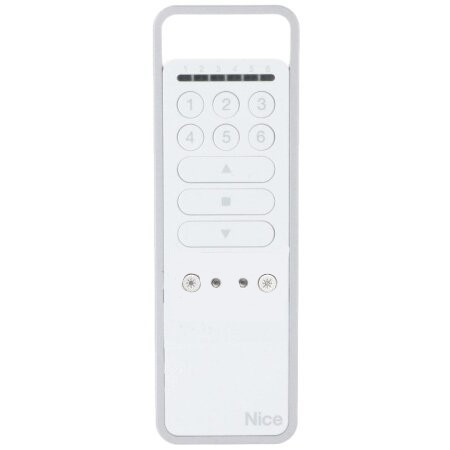
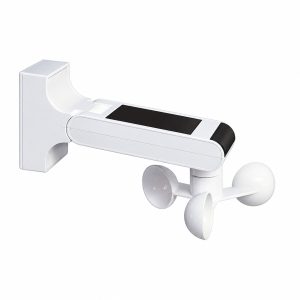
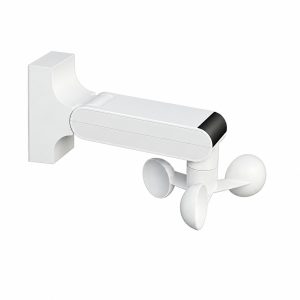
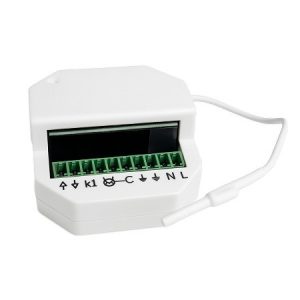
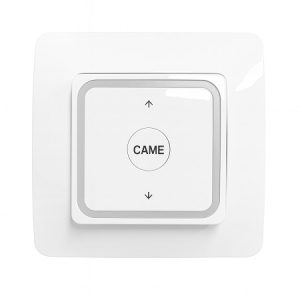
Discover how the NICE P6S bidirectional remote control can transform your experience with automated systems for blinds and gates. This device not only simplifies daily operation but also enhances security and efficiency in your home or business.
Key Features
The NICE P6S remote control is a prime example of innovation and advanced technology. Explore its most outstanding features that guarantee efficient control tailored to modern needs.
Bidirectional technology
This technology allows the controller and receiver to communicate in both directions , confirming signal reception and the current system status. This information exchange ensures that commands are executed correctly and without errors.
Compatibility with NICE systems
The NICE P6S is fully compatible with a wide range of NICE products , allowing you to easily integrate this remote control into existing systems without the need for additional hardware.
Scope and performance
With an extended range, the NICE P6S operates efficiently even at long distances , ensuring you can control your access systems without interference and with maximum responsiveness.
Benefits of using NICE P6S
Using the NICE P6S remote control offers numerous advantages that significantly improve your safety and convenience. Discover how this small device can make a big difference.
Enhanced security
The NICE P6S’s two-way control ensures that every signal sent is confirmed, reducing the risk of accidental or unauthorized openings . This level of security is vital for protecting your spaces.
Long-term reliability
Built with high-quality materials and designed to withstand daily wear and tear , the NICE P6S offers a durable and reliable solution for access control and automation systems.
Ease of use
Its intuitive design makes the NICE P6S extremely easy to use , allowing all users to operate their shutter and gate systems with minimal instruction and effort.
Installation Guide
Installing your NICE P6S remote control is a quick and easy process that will allow you to enjoy all its advanced features without any hassle. Follow these steps to ensure proper setup:
- Step 1: Check compatibility : Make sure your automation system is compatible with the NICE P6S remote. Consult your current system’s manual to verify this information.
- Step 2: Battery Installation : Open the battery compartment located on the back of the controller and insert the provided batteries, making sure they are positioned according to the indicated polarity.
- Step 3: Synchronization with the system : Turn on the main automation system and place the remote near the receiver. Press the synchronization button on the remote and wait for the indicator light to confirm that the connection has been successful.
- Step 4: Functionality test : Once synchronized, test the remote at different distances and angles to ensure that the system responds properly to all functions available on the remote.
- Step 5: Setting up additional functions : If your NICE P6S remote supports additional functions such as garage door opening or light control, set up these functions following the specific instructions for each one in the user manual.
Frequently Asked Questions
How can I reset the remote if it stops working properly?
Remove the batteries for 30 seconds, then reinsert them and resynchronize with the system.
What do I do if the remote control doesn’t respond at the usual distance?
Check for any objects obstructing the signal and make sure the batteries are charged.
Is it possible to program the NICE P6S to control multiple devices?
Yes, the NICE P6S can be programmed to operate multiple devices within the compatible system.
What safety precautions should I take when using the remote control?
Make sure not to share the access code and use the security lock feature to prevent unauthorized use.
The NICE P6S bidirectional remote control is an excellent investment in the comfort and security of your home or business. With its advanced technology, easy installation, and robust construction, this remote offers an effective and reliable solution for managing your automation systems.