Complete guide to automating your blinds

Complete guide to automating your blinds

Discovering how to automate your blinds can completely transform your home, offering comfort, efficiency, and security. In this post, we’ll delve into the benefits of automating your blinds, from selecting and installing the right motor to integrating them with modern home automation systems.

window blinds closed

What does it mean to automate blinds?

Automating blinds means equipping them with advanced technology to control them automatically or remotely. This modernization allows you to adjust lighting and privacy effortlessly, using devices such as smartphones, voice assistants, or centralized home automation systems.

In addition to offering significant energy savings, home automation increases home security through functions such as presence simulation, making the blinds move automatically to simulate that someone is at home.

How to automate your blinds

Automating your blinds transforms a household staple into a smart component that enhances comfort and efficiency. This process involves selecting the right motor, installing it correctly, and configuring the controls for optimal operation.

Choosing the right engine

Choosing the right motor for your roller shutter is essential for efficient and trouble-free operation. You should consider the size and weight of your shutters, as well as compatibility with other smart home devices. Here we explain in more detail how to choose the best motor for your roller shutter.

Engine installation

Installing a motor on your blinds is an important step that can transform the functionality of your home. Although it’s a technical process, following the correct steps can guarantee a successful result.

  • Preparation: Before you begin, make sure you have all the necessary tools and materials. This includes the motor, a screwdriver, a drill, a level, and the mounting brackets.
  • Disconnecting the power: For safety, it is necessary to disconnect the electrical power to the area where you will be working to avoid any accidents.
  • Motor Installation: The motor must be mounted on the roller shutter axle. Place the motor inside the roller tube, ensuring it is centered and securely fastened. Use the provided mounting brackets to secure the motor to the wall or window frame.
  • Electrical connection: Connect the motor wires to the power supply according to the manufacturer’s instructions. This generally includes connecting the live, neutral, and ground wires. It is recommended to label each wire to avoid confusion.
  • Motor test: Once the motor is installed and connected, restore power and perform a test to ensure it is functioning correctly. Adjust any settings, such as the up and down limits of the blind.
  • Final setup: If the motor is part of a home automation system, complete the installation by configuring the motor in your smart home management system. This may include syncing it with mobile apps or remote controls.

Control settings

Once the motor is installed, setting up the controls is the next step to automate your blinds.

Start by syncing the motor with a control device, such as a smart wall switch, remote control, or mobile app. Use the app’s interface to configure automatic up and down settings to suit your daily routines.

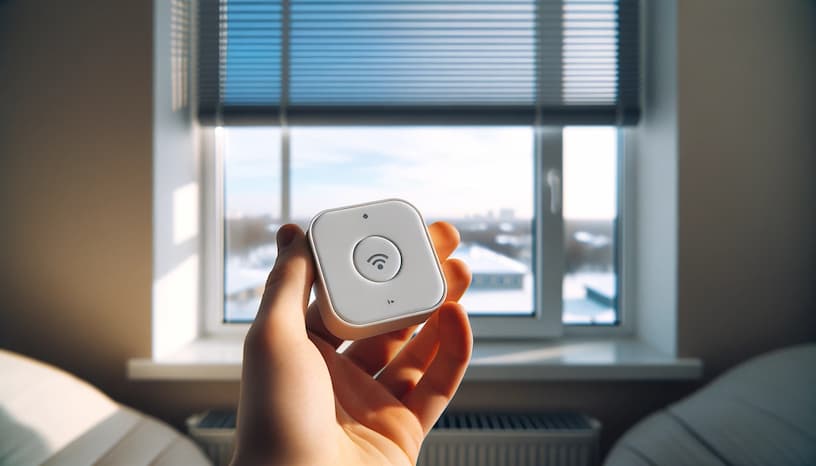
Make sure to connect the device to your home Wi-Fi network to enable remote control and integration with other smart home devices, allowing for centralized management accessible from anywhere.

Man talking on the phone near automated blinds

Solving common problems

When automating your blinds, some technical challenges may arise that require attention. Here are solutions to common problems to ensure your motorized blinds function optimally:

  • The blind is not responding to commands: Check that the motor is properly powered and that there are no power outages. Also check the Wi-Fi connection if the controls are wireless. Make sure the control device is within range and working.
  • Irregular blind movement: If the blinds stop or move erratically, the motor limits may need to be recalibrated. Refer to the user manual to adjust the start and stop points of movement.
  • Strange noises during movement: These noises may indicate that the motor or mechanisms are obstructed or misaligned. Check for dirt or debris on the guides or shaft and clean them. Verify that all parts are properly lubricated and tightened.
  • App or remote control issues: Ensure the app is updated to the latest version. Restart the control device and the motor to resolve synchronization issues. If problems persist, consider resetting the motor to factory settings and reconfiguring the devices.

At Motoriza24H, we’re dedicated to transforming your home into a smarter, more efficient space. By automating your blinds with our motors, you not only improve comfort and security, but also add a modern touch to your surroundings. Explore our options and find the perfect solution for your needs at Motoriza24H.

Newsletter

Lorem ipsum dolor sit amet, consectetur adipiscing elit, sed do eiusmod tempor incididunt ut,labore et dolore magna aliqua. Ut enim ad minim veniam,

domitized blind opening

Newsletter

Lorem ipsum dolor sit amet, consectetur adipiscing elit, sed do eiusmod tempor incididunt ut,labore et dolore magna aliqua. Ut enim ad minim veniam,

Related articles

    0
    MI CARRITO
    Carrito VacíoVolver a la Tienda
      Calculate Shipping
        Privacy Overview

        This website uses cookies so that we can provide you with the best user experience possible. Cookie information is stored in your browser and performs functions such as recognising you when you return to our website and helping our team to understand which sections of the website you find most interesting and useful.

        Strictly Necessary Cookies

        Strictly Necessary Cookie should be enabled at all times so that we can save your preferences for cookie settings.

        Analytics

        This website uses Google Analytics to collect anonymous information such as the number of visitors to the site, and the most popular pages.

        Keeping this cookie enabled helps us to improve our website.

        Marketing

        This website uses the following additional cookies:

        (List the cookies that you are using on the website here.)