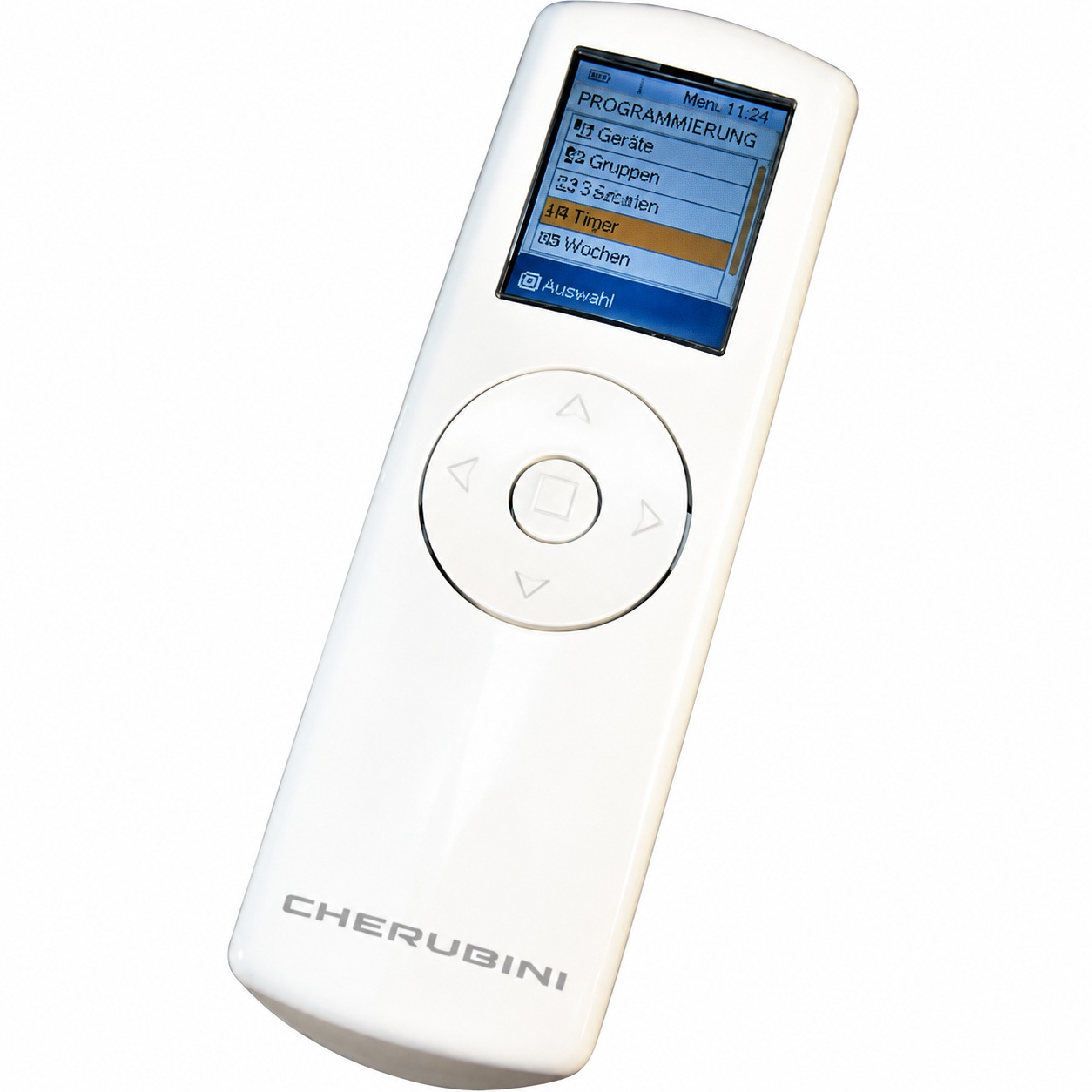
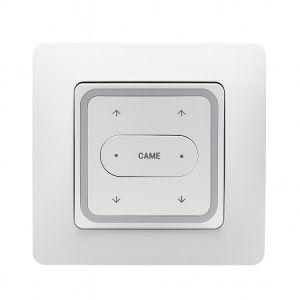
The Cherubini Skipper 50-channel LCD remote control is the ultimate in technology and functionality for managing your blinds. Designed for complete control and convenience, this device is an essential tool for any modern home.
Key Features
Discover how the Cherubini Skipper LCD Remote Control stands out in the market with its innovative features:
LCD technology
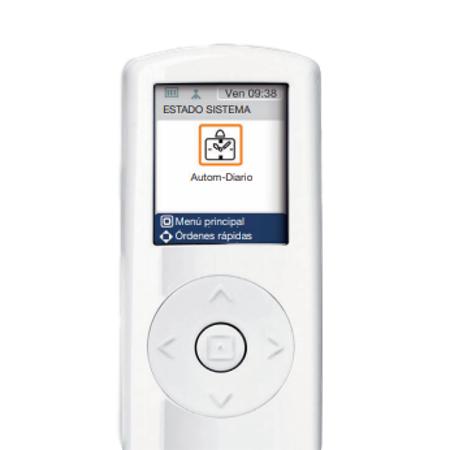
The remote control’s LCD screen provides a clear and user-friendly interface , allowing users to quickly and efficiently view and select channels. Ideal for those seeking convenience at their fingertips.
50 channel capacity
Capable of controlling up to 50 channels, this remote is perfect for large homes or buildings that require managing multiple spaces with a single device.
Technical specifications
Every technical detail of this controller has been carefully designed to ensure optimal performance:
- Dimensions: Its compact and ergonomic design makes it easy to handle and store, being lightweight yet robust enough to withstand daily use.
- Compatibility: Compatible with a wide range of Cherubini shutter systems, this remote control ensures seamless integration with your existing installations.
Advantages of using Cherubini Skipper
Optimize your home experience with the advantages offered by using the Cherubini Skipper remote control:
Comfort
Control all your blinds from anywhere in your home with just the touch of a button, avoiding unnecessary trips and providing a high level of comfort.
Energy efficiency
Schedule the opening and closing times of your blinds to maximize the energy efficiency of your home, taking advantage of natural light and maintaining the ideal temperature.
Installation Guide
Installing your Cherubini Skipper LCD Remote Control is a simple process. Follow these steps to configure it correctly and start enjoying complete control over your blinds:
- Unpacking and checking: Make sure all components are included in the box. You should find the remote control, batteries, and instruction manual.
- Battery Installation: Open the battery compartment located on the back of the controller. Insert the batteries, respecting the indicated polarity, and close the cover.
- Turning on the controller: Press the power button. You should see the LCD screen light up, indicating that the controller is operational.
- Channel Programming: Follow the specific instructions in the manual to program each channel. This may include pressing and holding a specific button until the indicator light flashes, selecting the desired channel, and saving the settings.
- Functionality test: Once the channels are programmed, test each one to ensure they correctly control the corresponding blinds. Use the up and down buttons to verify functionality.
- Additional function settings: Configure other available functions such as scheduling automatic opening/closing times, if available. Refer to the manual for detailed instructions on how to do this.
- Remote control location: Choose an easily accessible place to store the remote control when not in use. Consider using a wall mount if you want a fixed and easily accessible location.
Maintenance and care
To ensure optimal performance of your Cherubini Skipper LCD Remote Control, regular maintenance is necessary. Gently clean the device with a dry cloth to prevent dust buildup. Additionally, check and replace the batteries periodically to avoid unexpected malfunctions. Store the remote in a dry place away from direct sunlight to preserve the integrity of its LCD screen and electronic components.
Frequently Asked Questions
How can I reprogram a channel on the remote control?
To reprogram a channel, press and hold the desired channel button until the screen flashes, then select the new channel and confirm the selection.
What do I do if the remote control stops working?
Check the batteries and replace them if necessary. If the problem persists, consult the manual for instructions on how to reset the device.
Is it possible to control more than one type of blind with the same remote?
Yes, the remote control can be programmed to operate various types of blinds as long as they are compatible with the Cherubini system.
The Cherubini Skipper 50-channel LCD remote control is a smart investment for any home or building. It combines advanced technology, ease of use, and innovative design to deliver maximum efficiency and convenience when operating blinds.